Audi CarPlay in an Australian Summer: Practical Tips for Hot-Weather Driving
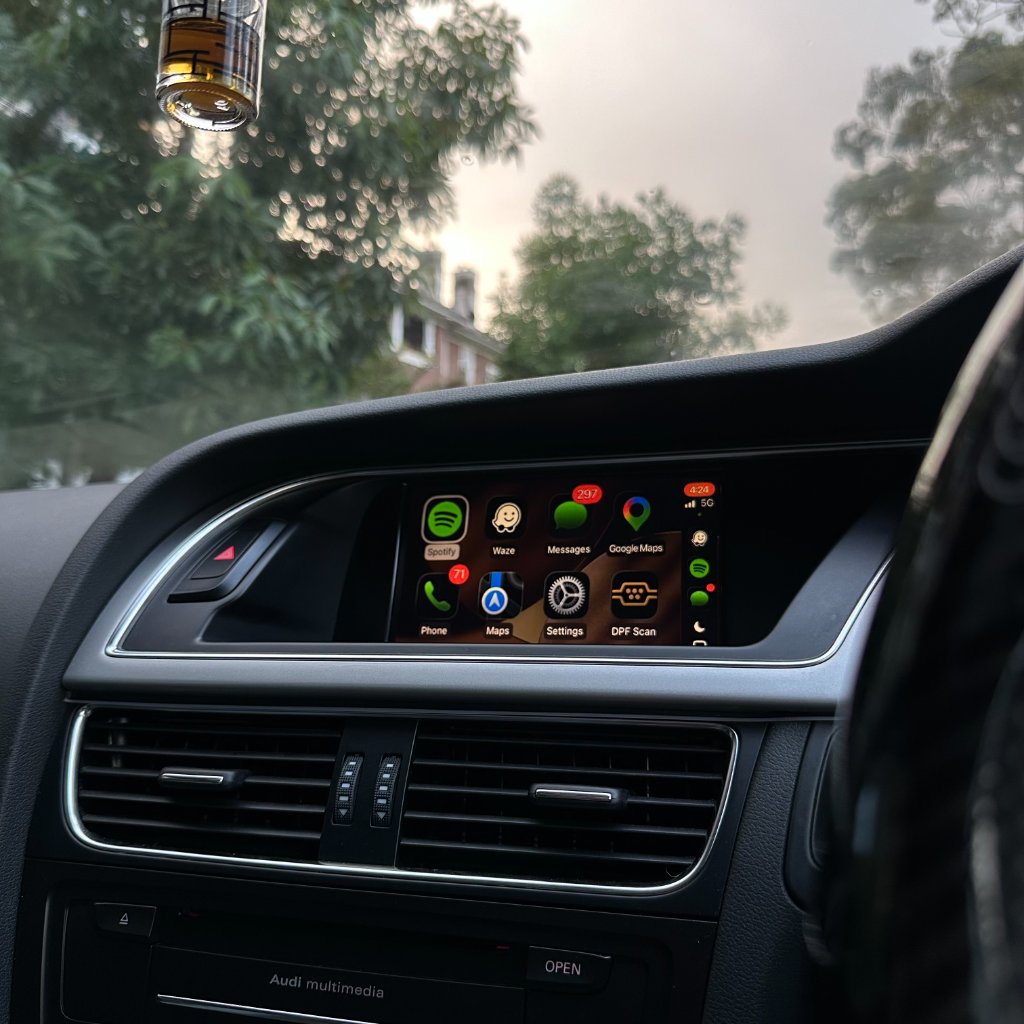
An Australian summer puts any in-car tech through its paces — hot cabins, long drives, and a phone running navigation and music for hours at a time. This guide is a set of practical, no-nonsense tips for using wireless CarPlay in your Audi through the hotter months. It is deliberately general: every car and phone is a little different, so the aim is sensible habits rather than specific technical claims.
Phone placement matters
Wireless CarPlay uses Bluetooth and Wi-Fi between your phone and the car, and a phone sitting in direct sun on the dash gets hot fast — which is not ideal for the phone or the wireless link. A few sensible habits help:
- Keep the phone in a shaded spot — the centre console cubby or a cup holder out of direct sun is better than a dash mount in summer.
- Avoid leaving the phone on the dash when you park — a hot cabin can make a phone uncomfortable to pick up and is not good for the battery long-term.
- If you use a Qi charging pad, one with built-in cooling or a vented design is a better choice in summer.
Charging on long hot drives
Wireless CarPlay uses more battery than wired, and running navigation plus music on a hot day drains the phone faster than on a mild one. The simplest approach is to plug in on longer drives — our kit supports wired CarPlay too, so you can run wireless for short trips and plug in when you need guaranteed charge. If you prefer to stay wireless, a Qi pad in a shaded spot keeps the phone topped up without a cable.
Keeping the wireless connection solid
Heat itself does not usually affect the CarPlay connection — the link is radio, and the car's module is behind the dash out of direct sun. If you do get dropouts in summer, the more likely causes are the same as any other time: a connector that needs re-seating, or wireless interference in a congested area. See our wireless dropout fix guide for the full checklist.
The MMI screen and cabin heat
The factory MMI screen is designed for the cabin environment it lives in, so normal summer heat is not a concern for the screen itself. The practical thing you can do is use a sunshade when parked — it keeps the cabin (and the screen) cooler, makes the car more pleasant to get into, and is a good habit for the interior generally. There is nothing CarPlay-specific you need to do here.
On long hot drives
For a long summer drive — Sydney to the coast, or a regional trip — the main thing is keeping the phone charged and shaded. Plug in via USB for the long stretch so navigation and music run without battery anxiety, and keep the phone out of direct sun. If you are using wireless, a Qi pad in a shaded spot is the comfortable middle ground. The kit itself does not need any special summer treatment.
Frequently asked questions
Does heat affect the CarPlay connection?
Not usually — the link is radio and the module is behind the dash. Summer dropouts are more likely a connector or interference issue. See our wireless dropout fix guide.
Where should I keep my phone in summer?
In a shaded spot — the centre console cubby or a cup holder out of direct sun. Avoid leaving it on the dash when parked.
Should I use wired or wireless in summer?
Wireless for short trips, wired for long drives when you want guaranteed charge. The kit supports both, so you do not have to commit.
Does the MMI screen need protection from heat?
It is designed for the cabin, so normal summer heat is fine. A sunshade when parked keeps the cabin and screen cooler and is a good habit generally.
Is a Qi charging pad worth it for summer?
Yes — especially one with vented or cooling design. It keeps the phone charged without a cable and, in a shaded spot, keeps it cooler than a dash mount.
CarPlay ready for summer
Wireless and wired, so you can switch to suit the drive. See the Audi A4 CarPlay page for a popular model example.
View the Kit Check CompatibilityReady to add CarPlay to your Audi?
We confirm your exact car before dispatch. If it isn’t compatible, you get a full refund.
See the Audi CarPlay kitRelated articles
Guide
Using Audi CarPlay on a Road Trip - Tips and App Recommendations
Installation
How to Add Apple CarPlay to an Older Audi Without Replacing the Screen
Buying Guide
Everything You Need to Know Before Buying an Audi CarPlay Retrofit
Installation
Can You Install Apple CarPlay in an Audi Yourself?
Comparison
Why an OEM CarPlay Retrofit Is Better Than Replacing Your Audi Screen
Buying Guide
How Much Does an Audi CarPlay Upgrade Cost in Australia? (2026)