Google Maps vs Audi Navigation: Which Should You Use?
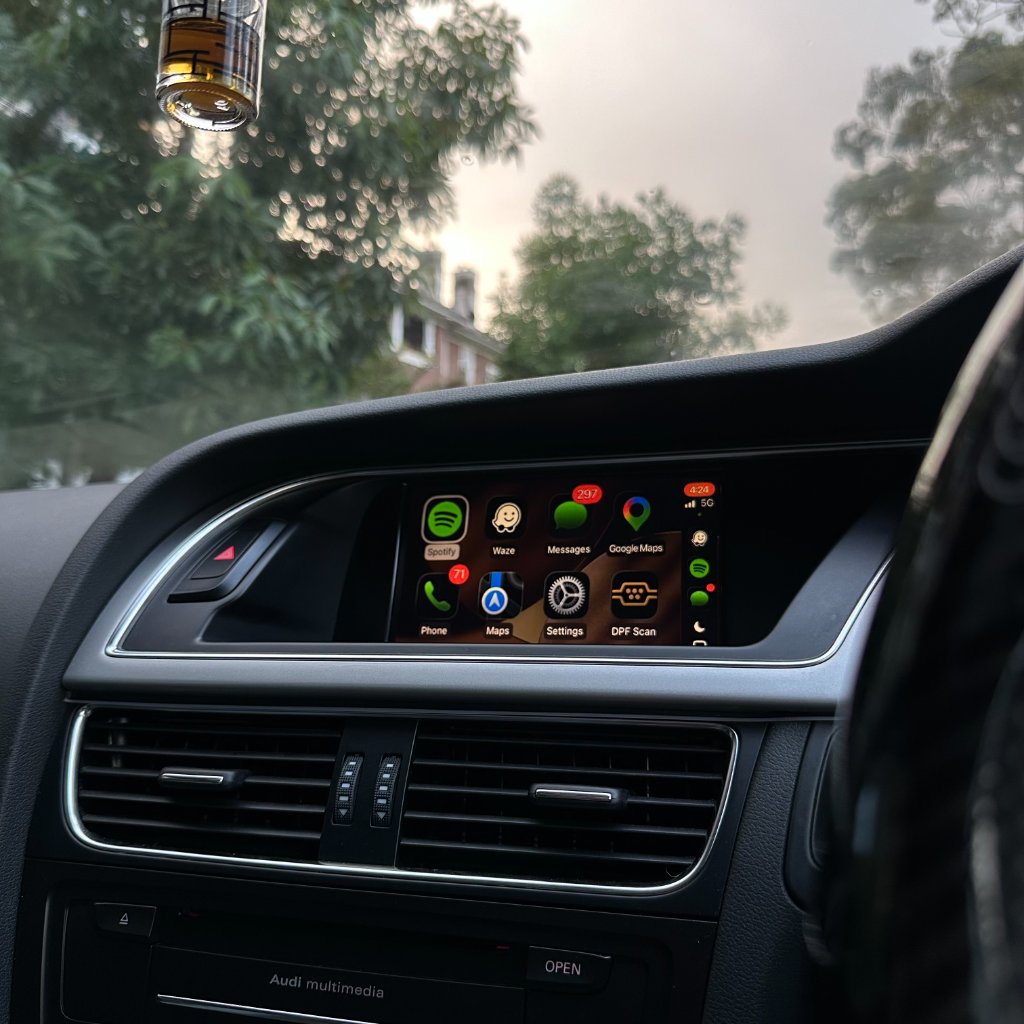
Once you add CarPlay to your Audi, you have two navigation systems on the same screen: the factory Audi navigation you've always had, and Google Maps (or Apple Maps, or Waze) running through CarPlay. This guide compares them honestly so you know which to use when.
Live traffic
Google Maps via CarPlay wins decisively here. It pulls live traffic continuously from millions of phones on the road and reroutes around delays in real time. Factory Audi navigation relies on a traffic data subscription that is often expired on older cars, and its routing is noticeably less dynamic. Most owners switch to Google Maps for daily driving for this reason alone.
Speed cameras and hazards
Google Maps and Waze both show speed cameras and mobile hazard reports, updated constantly by the community. Factory Audi navigation only shows fixed camera locations where the map data includes them, and those go out of date. For Australian roads, Waze's community reporting is especially strong.
Map updates and cost
Google Maps is always current — new roads, changed speed limits, closed streets appear automatically at no cost. Factory Audi navigation requires paid map-update subscriptions, and even updated maps lag behind Google by months. Over the life of the car, that subscription cost adds up to more than the CarPlay kit itself.
Offline and no-signal use
This is where factory Audi navigation still has an edge. It stores full maps on the car's hard drive, so it works with zero phone signal. Google Maps can cache areas offline, but for genuinely remote areas (deep outback) the factory system is more reliable. For 95% of Australian driving — cities, regional towns, highways — both have signal and Google Maps is superior.
Integration with MMI and steering controls
Both display on your factory screen. With our kit, steering wheel controls (volume, skip, voice) work with Google Maps via CarPlay just as they do with factory navigation. The big difference: Google Maps voice guidance comes through your BOSE speakers at full quality, and you can trigger navigation by voice with Siri or Google Assistant — no typing. See steering wheel controls.
Which to use when
- Daily city & highway driving: Google Maps or Waze via CarPlay.
- Remote outback, no signal: factory Audi navigation as a backup.
- Both: press NAV for factory, MEDIA for CarPlay — switch freely. See how they coexist.
Frequently asked questions
Does adding CarPlay delete my factory navigation?
No — they run side by side. Press NAV for factory, MEDIA for CarPlay.
Is Google Maps free?
Yes, completely — no subscription, ever.
Does Google Maps work without phone signal?
It can cache offline areas, but for truly remote driving the factory system is more reliable.
Can I use Waze instead?
Yes — Waze works through CarPlay too and is excellent for speed-camera alerts.
Do speed cameras show in factory Audi navigation?
Only fixed cameras where map data includes them, and they go out of date. Google Maps and Waze are current.
Ready to add CarPlay to your Audi?
We confirm your exact car before dispatch. If it isn’t compatible, you get a full refund.
See the Audi CarPlay kitRelated articles
Guide
Google Maps vs Apple Maps on Audi CarPlay - Which is Better?
Guide
Audi CarPlay Wired vs Wireless - Which Should You Choose?
Comparison
Wireless vs Wired Apple CarPlay for Audi: Which Is Better?
Comparison
Wireless vs Wired CarPlay: Which is Better for Your Audi?
Comparison
Audi Apple CarPlay vs Android Auto - Which is Better in 2026?
Comparison
Audi CarPlay Kit vs Factory Screen Replacement - Which is Better?