Common Audi CarPlay Problems and How to Fix Them
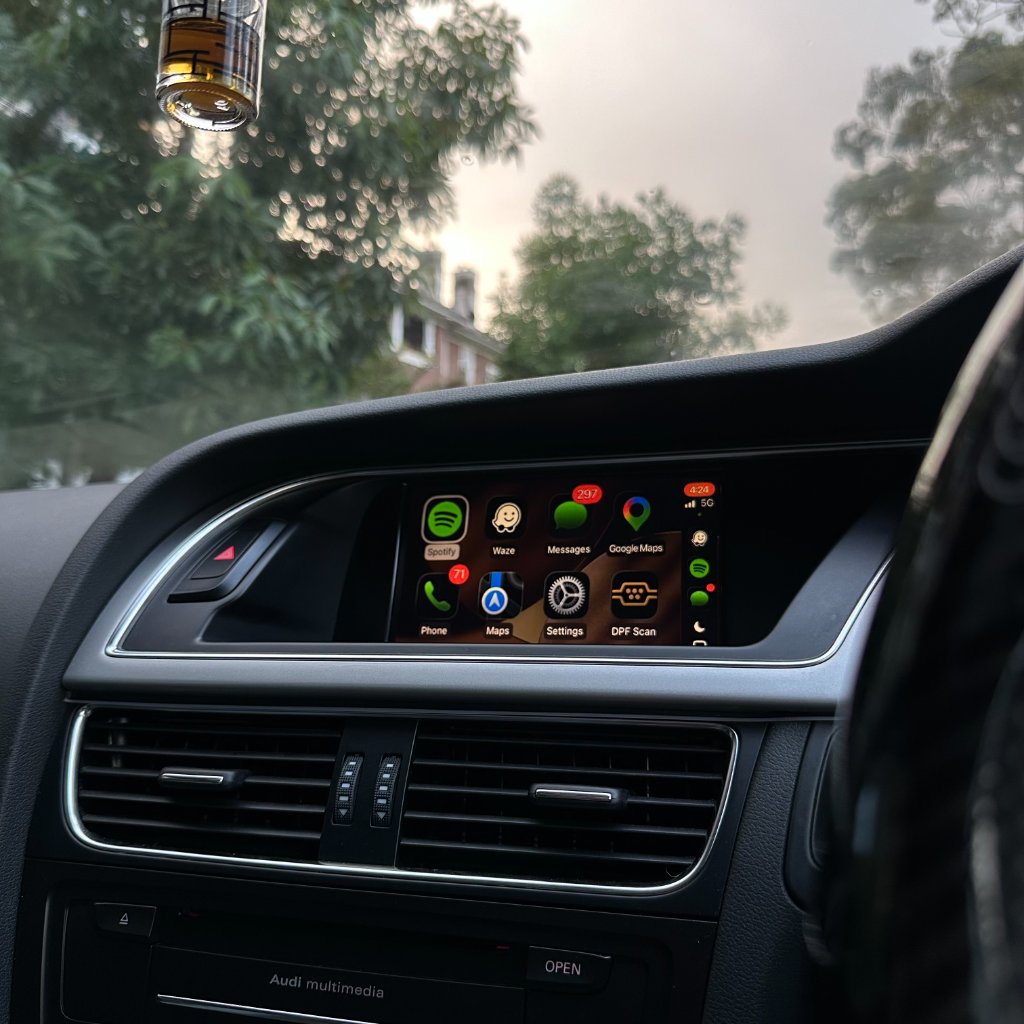
Even with a properly installed kit, the occasional Audi CarPlay hiccup happens. This is the complete troubleshooting guide — every common problem and its fix, ordered from most likely to least. Most issues resolve in under five minutes.
CarPlay won't connect
- Confirm Bluetooth and Wi-Fi are both fully on in iPhone Settings (not just Control Centre).
- Go to Settings → General → CarPlay and confirm your Audi is listed and allowed (check Screen Time restrictions).
- Press MEDIA on the MMI and select the CarPlay/AUX input source.
- If it worked before and stopped, check all harness connectors are fully clicked in.
- Restart the MMI: hold NAV + SETUP for 10 seconds. Turn the car off, lock it, wait 2 minutes, restart.
More detail in our dedicated won't-connect fix guide.
No sound from CarPlay
- Press MEDIA and make sure CarPlay/AUX is the active source.
- Turn up volume on both the iPhone and the MMI.
- Make sure the iPhone isn't in silent mode.
- Check the harness audio connector is fully seated.
Touchscreen lag or freeze
- Restart the MMI (NAV + SETUP hold for 10 seconds).
- Restart your iPhone.
- If it persists, the module may need a firmware update — contact support.
Steering wheel controls not working
- Verify all harness connectors are fully seated — a half-clicked connector is the #1 cause.
- Restart the MMI (NAV + SETUP hold).
- If still not working, contact support — the CAN-bus connection may need checking.
Background: how steering controls work with CarPlay.
Audio cutting out
- If wireless, check for 2.4GHz Wi-Fi interference (other hotspots). Our kit uses 5GHz which avoids this.
- Switch to wired temporarily to confirm it's a wireless-environment issue, not a hardware fault.
- Restart the iPhone and MMI.
Reverse camera not showing
The reverse camera must always take priority over CarPlay. If it doesn't appear, check the video harness connector is fully seated — it's a separate connector from the audio/data one. See our reverse camera integration guide.
Frequently asked questions
My CarPlay worked and now doesn't — what changed?
Almost always a half-clicked connector or a phone software update. Re-seat connectors and restart both.
Does an iPhone update break CarPlay?
Rarely. If it does, a module firmware update usually fixes it — contact support.
Why does audio cut out on wireless but not wired?
Usually 2.4GHz Wi-Fi interference. Our 5GHz kit avoids this; cheap kits don't.
How do I restart the MMI?
Hold NAV + SETUP for 10 seconds. Then turn the car off, lock it, wait 2 minutes, restart.
When should I contact support?
If the steps above don't resolve it, contact us — we respond within an hour during business hours and the kit is under warranty.
Still stuck?
Our Sydney support team responds within an hour during business hours.
Contact Support Support CentreReady to add CarPlay to your Audi?
We confirm your exact car before dispatch. If it isn’t compatible, you get a full refund.
See the Audi CarPlay kitRelated articles
Support
Audi MMI Keeps Restarting or Freezing After CarPlay — Step-by-Step Fix
Support
Audi CarPlay Wireless Connection Keeps Dropping — Complete Fix Guide
Support
Audi CarPlay Won't Connect? How to Fix It in 5 Minutes
Support
Troubleshooting Common CarPlay Issues in Audi
Guide
Common Audi MMI Upgrade Questions Answered by Real Installers
Support
Audi CarPlay Audio Issues After Installation: Causes and Fixes