Audi MMI Keeps Restarting or Freezing After CarPlay — Step-by-Step Fix
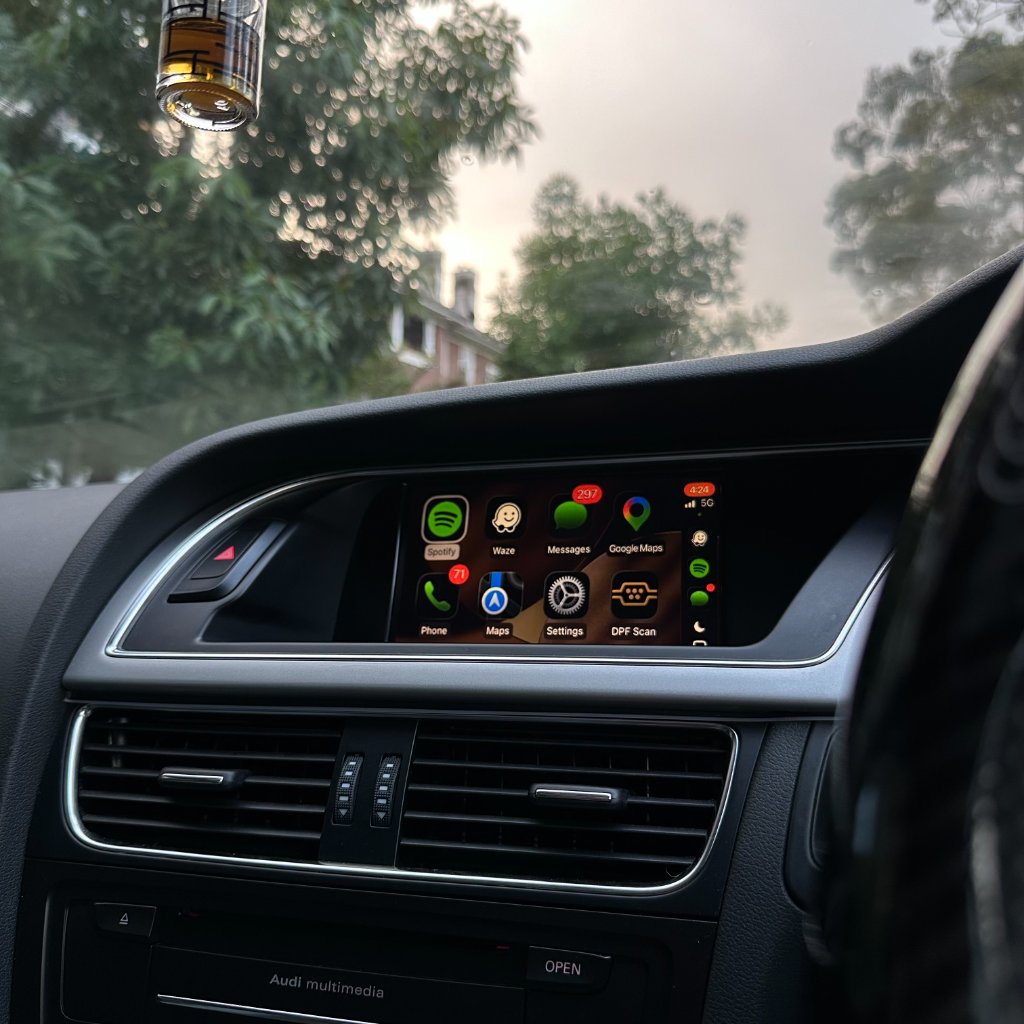
If your Audi MMI keeps restarting, rebooting in a loop, or freezing after a CarPlay install, it is almost always one of a small number of causes — and most are fixable in a few minutes without removing anything. This guide walks through every common cause and the fix for each, in the order you should check them.
Restart loop vs freeze — what each means
A restart loop is the MMI rebooting on its own — the screen goes dark, the Audi logo appears, and the system comes back up, then repeats. A freeze is the screen locking up — it stops responding to touch or the rotary controller, but does not reboot. Both usually point to a connection or software issue rather than a hardware fault, and both are fixable in most cases without removing the kit.
Check the harness connectors first
The single most common cause of both restart loops and freezes is a harness connector that is not fully seated. Every connector is keyed and should click in firmly — if a connector needed force, it was misaligned. A half-clicked data connector can cause the MMI to lose communication with the module intermittently, which presents as restarts or freezes.
To check: remove the glove-box trim, locate the harness, and press each connector in until it clicks. Do not force — re-seat rather than push harder. This resolves the majority of restart-loop cases. See our installation page for access details.
Restart the MMI properly
If the connectors are fine, the next step is a proper MMI restart. Hold NAV + SETUP for about 10 seconds until the screen goes dark. Then turn the car off, lock it, wait two minutes, and restart. This clears transient software state without removing anything. A proper restart resolves a surprising number of freeze cases.
Phone software and pairing
A recent iPhone software update can occasionally cause CarPlay to behave unpredictably, which can in turn make the MMI freeze or restart when it tries to handshake. Try:
- Restarting the iPhone.
- Removing the car from Settings → General → CarPlay, then re-pairing.
- Checking for a pending iPhone update and installing it.
If the problem only happens with one specific phone and not another, the phone is the likely variable rather than the kit.
Power and voltage
An older or weak car battery can cause the MMI to restart when voltage dips — for example during engine crank or when many electrical loads are on at once. This is not a kit fault; it is the car's electrical system. If the restarts happen mainly at startup or with heavy electrical load, have the battery and charging system checked. This is worth doing on any older Audi regardless of the CarPlay kit.
When to contact support
If you have re-seated the connectors, done a proper MMI restart, ruled out the phone, and checked the battery — and the MMI still restarts or freezes — contact our support team. We respond within an hour during business hours and the kit is under warranty. A persistent restart or freeze after the checks above is exactly the kind of thing we replace or troubleshoot under cover.
Frequently asked questions
Why does my MMI keep restarting after the CarPlay install?
Most often a harness connector that is not fully seated. Re-seat each connector until it clicks — this resolves the majority of cases.
How do I restart the MMI properly?
Hold NAV + SETUP for about 10 seconds until the screen goes dark. Then turn the car off, lock it, wait two minutes, and restart.
Can a phone update cause the MMI to freeze?
Yes, occasionally. Restart the iPhone, remove and re-pair the car in CarPlay settings, and install any pending update.
Could it be my car battery?
It can. A weak battery can cause the MMI to restart when voltage dips. If it happens mainly at startup, have the battery and charging system checked.
When should I contact support?
If you have worked through the checks above and it still restarts or freezes, contact us — the kit is under warranty and we will troubleshoot or replace.
MMI still restarting or freezing?
Our Sydney support team responds within an hour during business hours. See the Audi A4 CarPlay page or use our compatibility checker.
Contact Support Support CentreReady to add CarPlay to your Audi?
We confirm your exact car before dispatch. If it isn’t compatible, you get a full refund.
See the Audi CarPlay kitRelated articles
Installation
Audi CarPlay Installation Guide - Step by Step for All MMI Systems
Support
Audi CarPlay Wireless Connection Keeps Dropping — Complete Fix Guide
Technical
Does Adding CarPlay Affect Your Audi MMI or Warranty?
Installation
Audi A4 B8 CarPlay Installation Walkthrough - Step by Step
Installation
Audi CarPlay Retrofit Installation: What to Expect (Step-by-Step)
Guide
Common Audi MMI Upgrade Questions Answered by Real Installers