Audi CarPlay Won't Connect? How to Fix It in 5 Minutes
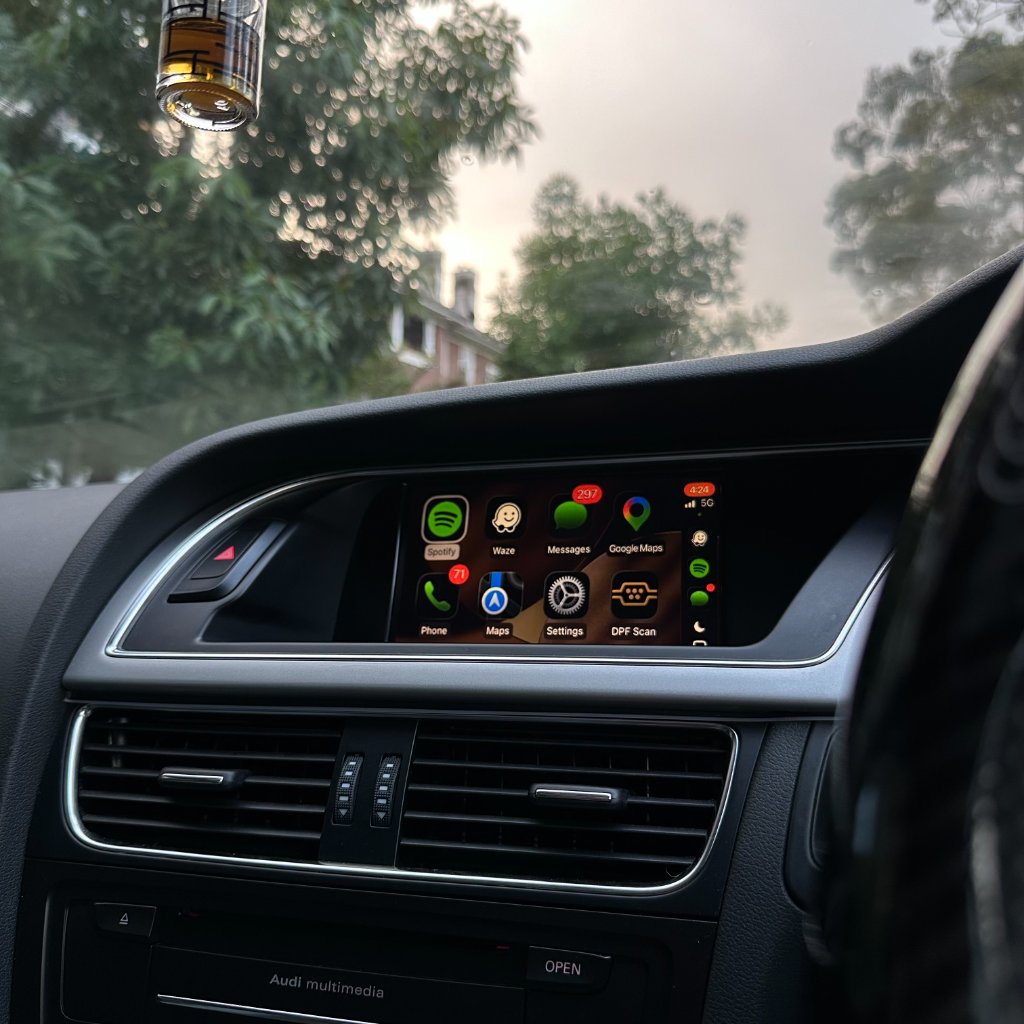
Wireless Audi CarPlay not connecting? This is almost always a simple fix. Here are the most common causes and how to resolve each one in minutes.
1. Bluetooth and Wi-Fi not enabled on iPhone
Wireless Audi CarPlay requires both Bluetooth and Wi-Fi to be on. Open iPhone Settings and confirm both are enabled - not just visible in Control Centre (which can be deceptive).
2. CarPlay not set up in iPhone Settings
Go to Settings → General → CarPlay. Your Audi should appear here after the first Bluetooth pairing. If it doesn't, ensure CarPlay is allowed (not restricted in Screen Time settings).
3. Wrong MMI input selected
Press the MEDIA button on your MMI and scroll through the input sources. Audi CarPlay typically appears as "CarPlay" or "AUX" depending on the MMI version. Make sure you've selected it.
4. Loose harness connection
If CarPlay was working and stopped, or never worked after installation, check all harness connectors are fully clicked in. Each connector should click firmly - a half-seated connector is the most common cause of non-function after installation.
5. MMI needs a restart
Hold the NAV and SETUP buttons simultaneously for 10 seconds to restart the MMI. Then turn the car off, lock it, wait 2 minutes, and restart.
Still not working? Contact our support team → - we respond within an hour during business hours.
Ready to add CarPlay to your Audi?
We confirm your exact car before dispatch. If it isn’t compatible, you get a full refund.
See the Audi CarPlay kitRelated articles
Support
Common Audi CarPlay Problems and How to Fix Them
Support
Audi MMI Keeps Restarting or Freezing After CarPlay — Step-by-Step Fix
Support
Audi CarPlay Wireless Connection Keeps Dropping — Complete Fix Guide
Technical
How to Identify Your Audi MMI System in Under 2 Minutes
Support
Audi CarPlay Audio Issues After Installation: Causes and Fixes
Support
Troubleshooting Common CarPlay Issues in Audi