Audi A4 B8 CarPlay Installation Walkthrough - Step by Step
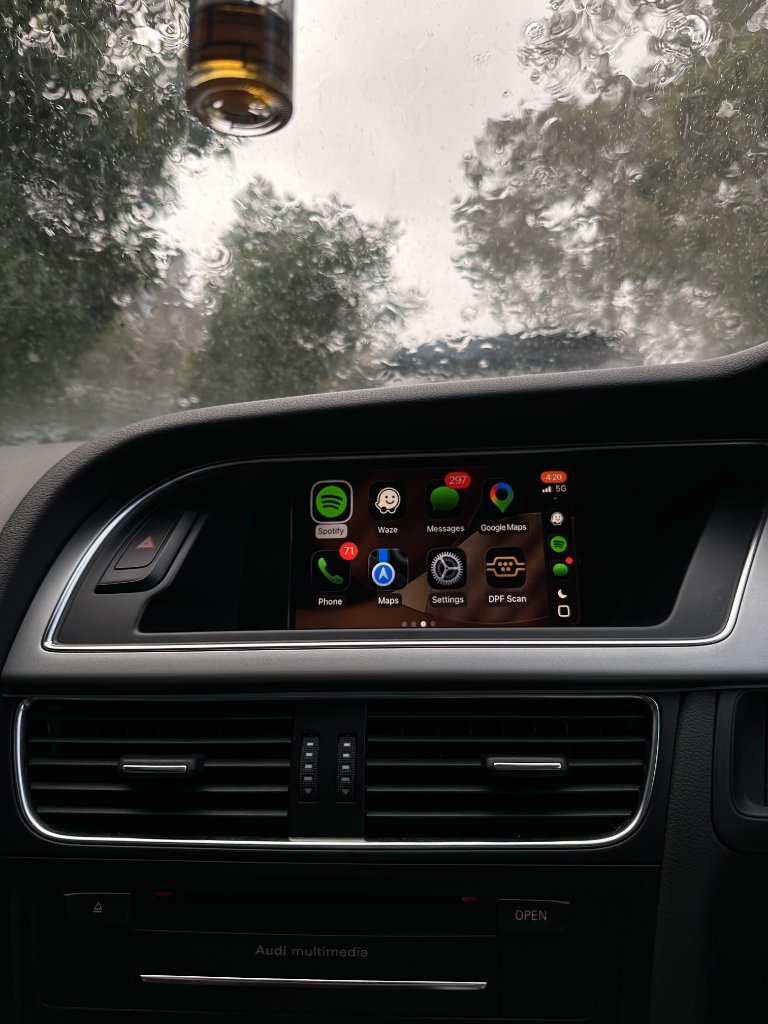
The Audi A4 B8 is our most common installation model. This detailed walkthrough covers every step with specific component locations.
Tools needed
- T20 and T25 Torx screwdriver
- Plastic trim removal tool
- Your CarPlay kit and harness
- Phone (for testing before reassembly)
Step-by-step
- Open and remove the glove box (10 min): Squeeze sides to release damper clips, remove 4–5 T20 Torx screws from the surround, gently pull away.
- Locate the MMI control unit (5 min): Rectangular aluminium box on the passenger-side firewall with 3–4 multi-pin connectors.
- Connect the CarPlay harness (20 min): Unplug factory connectors, plug into harness, plug harness back into MMI box - all connectors are keyed.
- Mount the CarPlay module (10 min): Use included adhesive pads to mount in the void behind the dash.
- Test (15 min): Start car, press MEDIA, select CarPlay. Pair iPhone. Test audio, steering controls, reverse camera.
- Reassemble (10 min): Push surround back, replace screws, close glove box.
Total time: 60–70 minutes for most A4 B8 owners. Order your A4 B8 CarPlay kit →
Ready to add CarPlay to your Audi?
We confirm your exact car before dispatch. If it isn’t compatible, you get a full refund.
See the Audi CarPlay kitRelated articles
Installation
Audi CarPlay Installation Guide - Step by Step for All MMI Systems
Installation
Audi CarPlay Retrofit Installation: What to Expect (Step-by-Step)
Support
Audi MMI Keeps Restarting or Freezing After CarPlay — Step-by-Step Fix
Model Guide
Audi A4 B8.5 CarPlay Upgrade - MMI 3G+ Complete Guide
Installation
Audi CarPlay Installation: How Long It Really Takes
Installation
Top 10 Audi CarPlay Installation Tips - From Our Support Team