Audi CarPlay Retrofit Installation: What to Expect (Step-by-Step)
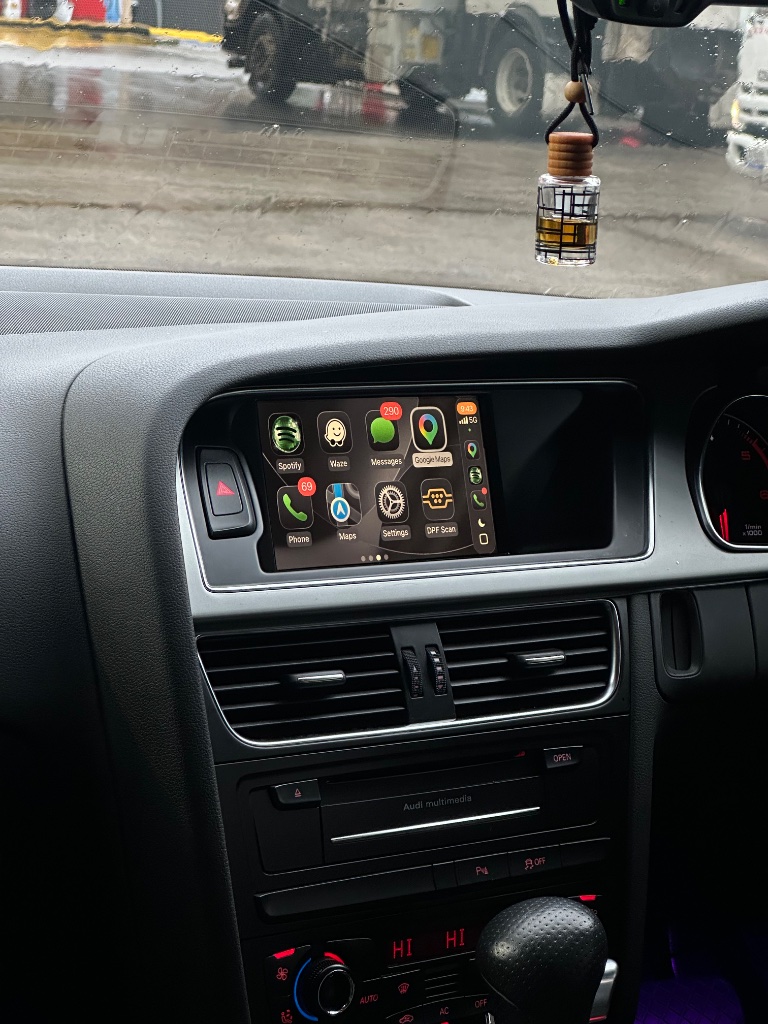
A CarPlay retrofit sounds technical, but the kit is designed to be fitted at home with basic tools. Here is exactly what to expect, what is included, and the steps you go through — with no coding and no wire cutting.
What is in the box
- Wireless CarPlay & Android Auto module
- Vehicle-specific plug-and-play harness
- Radio removal keys
- Step-by-step installation guide
- Lifetime setup support
- 1-year warranty
What you need to do it yourself
- The radio removal keys and a Torx bit (included / commonly available)
- A plastic trim tool to release clips without marking them
- Good lighting and a clear workspace
No coding software, no OBD tool, and no dealer visit are required.
The installation, step by step
- Confirm your MMI system. Match your model and year to the supported list, or send a dashboard photo and we will confirm before dispatch.
- Access the MMI unit. Use the radio removal keys to release the glovebox trim and expose the MMI control unit. Take a photo of the connector positions before unplugging anything.
- Connect the harness. Unplug the factory connectors from the MMI unit and plug them into the matching sockets on the CarPlay harness, then plug the harness back into the MMI unit. The connectors are keyed, so they only fit the correct socket.
- Mount the module. Secure the module in the space behind the dash using the included pads, away from moving parts.
- Test before reassembling. Start the car, press MEDIA, select the CarPlay input and pair your iPhone. Confirm audio, steering wheel controls and the reverse camera before clipping everything back in.
- Reassemble. Replace the trim and close up. If anything did not work, check that every connector clicked in fully before going further.
What is not involved
- No wire cutting or splicing — the harness plugs in between existing connectors
- No coding or software changes
- No permanent modifications — the kit is fully reversible
If you would rather not fit it yourself
The kit can also be fitted by a local auto electrician using the included guide. Because no coding is needed, any competent fitter can install it for a standard labour fee.
See the full installation page or order the Audi CarPlay kit →
Ready to add CarPlay to your Audi?
We confirm your exact car before dispatch. If it isn’t compatible, you get a full refund.
See the Audi CarPlay kitRelated articles
Installation
Audi CarPlay Installation Guide - Step by Step for All MMI Systems
Installation
Audi A4 B8 CarPlay Installation Walkthrough - Step by Step
Support
Audi MMI Keeps Restarting or Freezing After CarPlay — Step-by-Step Fix
Installation
Audi CarPlay Installation: How Long It Really Takes
Installation
Top 10 Audi CarPlay Installation Tips - From Our Support Team
Buying Guide
Best Apple CarPlay Retrofit for Audi in Australia (2026)