Audi CarPlay Installation: How Long It Really Takes
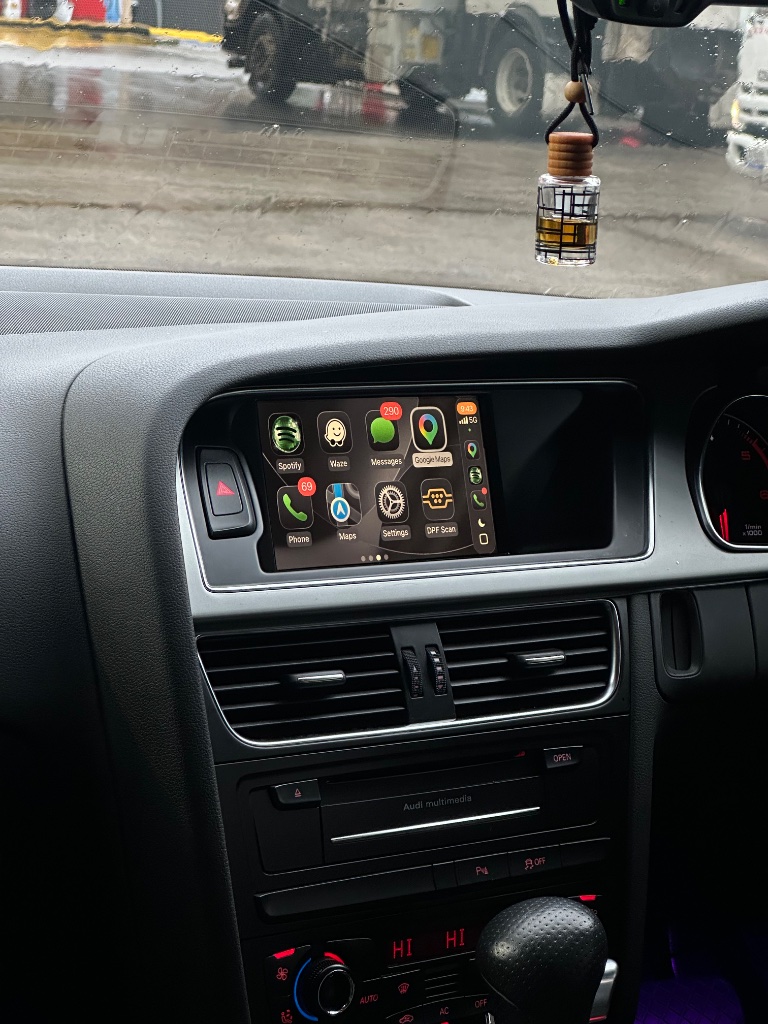
We say "under 2 hours" and that's genuinely accurate for most owners — but the real time depends on your MMI system and your DIY experience. This guide gives you a realistic breakdown so you can plan your Saturday.
Time by MMI type
- MMI 3G (A4 B8, A5, Q5): 60–90 minutes — the easiest install we do.
- MMI 3G+ (B8.5 facelifts, C7): 60–90 minutes — identical process to 3G.
- MMI 2G (older A4, A6, Q7): 90–150 minutes — kit includes a screen module.
- MIB1 (A3 8V, Q3 8U, TT 8S): 60–90 minutes — contact us to confirm.
Identify your system first with our MMI identification guide.
Time by experience level
- No DIY experience: allow 2–2.5 hours.
- Basic DIY (swapped a battery, fitted a dash cam): 60–90 minutes.
- Regular DIYer: 45–60 minutes.
Step-by-step time breakdown
- Prepare and gather tools — 10 min
- Remove glove box and access MMI unit — 15 min
- Connect the harness — 15 min
- Mount the module — 5 min
- Test before reassembly — 10 min
- Reassemble — 15 min
Full walkthrough in our installation guide and our DIY install guide.
What slows first-timers down
- Forcing trim clips. Use plastic tools, take your time.
- Not testing before reassembly. Always test — it saves a second disassembly.
- Rushing connectors. All connectors are keyed; if it needs force, it's misaligned.
Frequently asked questions
Can I do it in under an hour?
Experienced DIYers on MMI 3G/3G+ can. Most first-timers take 60–90 minutes.
Do I need to disconnect the battery?
It's good practice. The kit is plug-and-play and keyed, so it's not strictly required, but disconnecting the negative terminal is safest.
What if I run out of time?
You can stop after connecting the harness and reassemble later — just don't drive with the glove box loose.
Is 2G really longer?
Yes — MMI 2G kits include a screen module, adding 30–60 minutes. Still no cutting.
Can a professional do it faster?
Yes — an auto electrician familiar with the kit can do it in 30–45 minutes.
Ready to add CarPlay to your Audi?
We confirm your exact car before dispatch. If it isn’t compatible, you get a full refund.
See the Audi CarPlay kitRelated articles
Installation
How Long Does It Take to Install CarPlay in an Audi?
Installation
Audi CarPlay Installation Guide - Step by Step for All MMI Systems
Installation
Top 10 Audi CarPlay Installation Tips - From Our Support Team
Installation
Audi A4 B8 CarPlay Installation Walkthrough - Step by Step
Installation
Audi CarPlay Retrofit Installation: What to Expect (Step-by-Step)
Support
Audi CarPlay Audio Issues After Installation: Causes and Fixes